Everything on Kaashidhoo, one tap away.
KaashiGo is the island's directory. Find a shop, a service or a place to stay, see if it is open, and call them.


Free on iPhone and Android. No account needed.

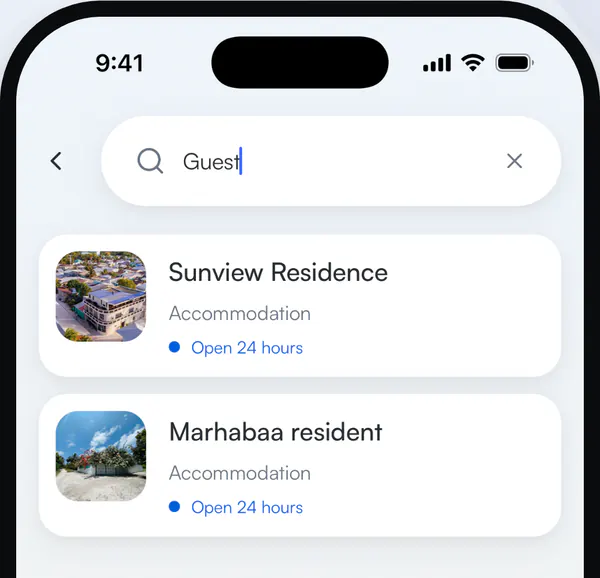
Find what you need, by category or by name.
Two ways in, depending on whether you already know the name.
- Browse by category Places to stay, food, transport, shops and services.
- Search everything at once Shops, services and people in one search.
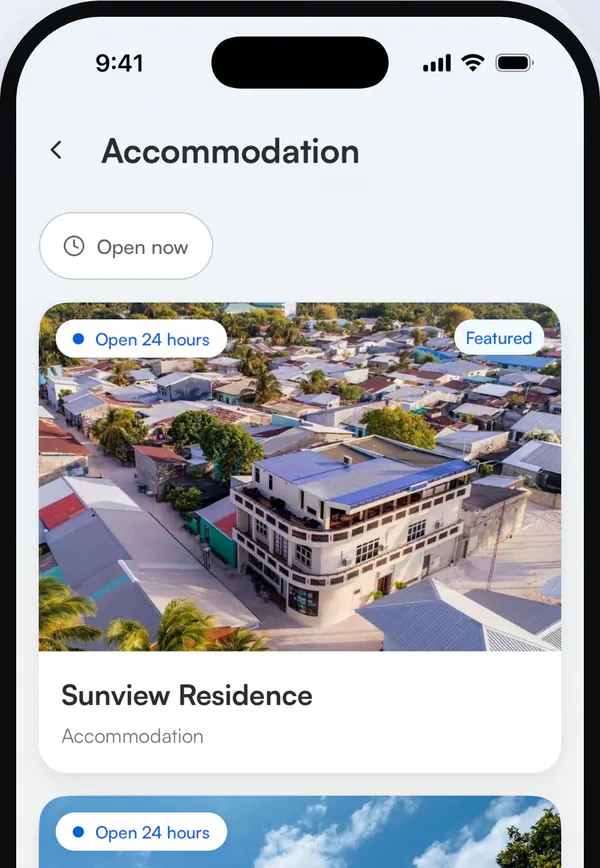
See if it is open, then call.
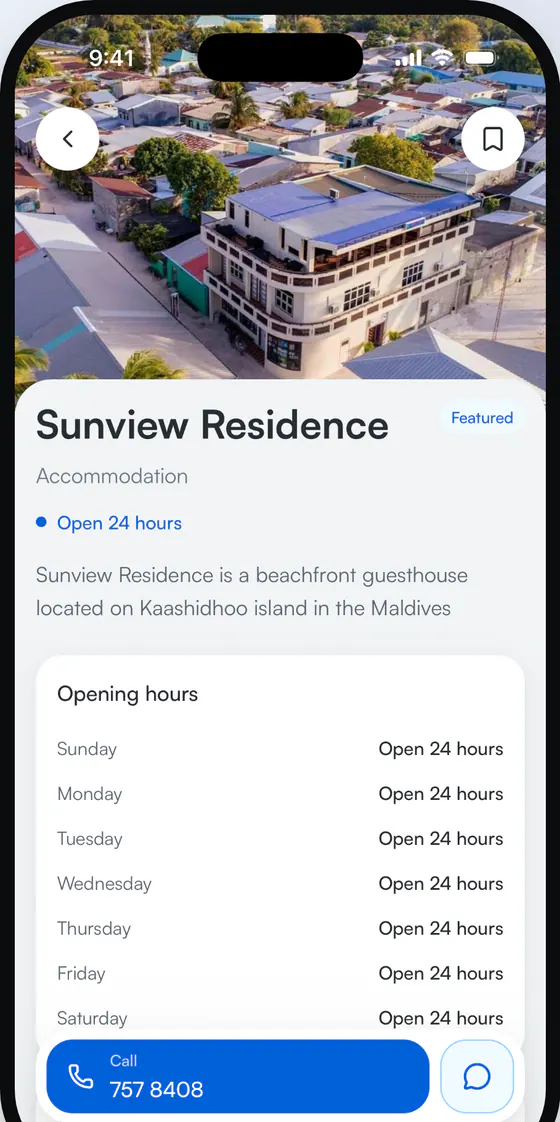
Every place shows its opening hours, and the number is always within reach at the bottom of the listing.
- Open now Hide anywhere that is closed at this moment.
- Call in one tap No copying numbers between apps.
- Or message on WhatsApp When a place lists a WhatsApp number, the chat opens straight away.
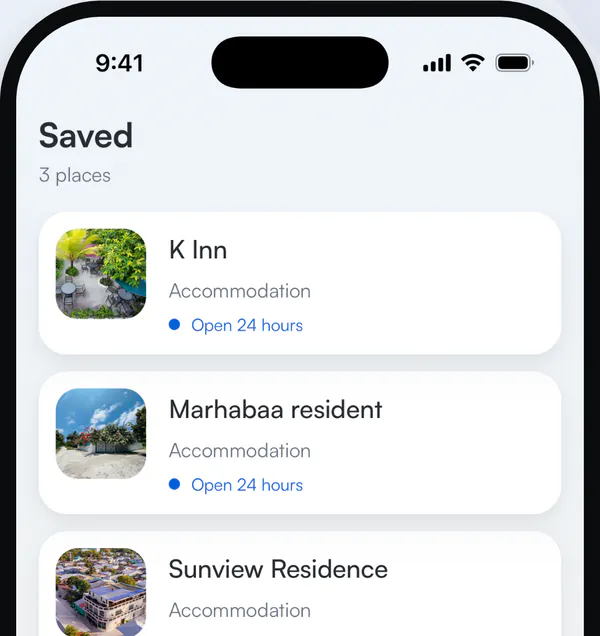
Keep the places you call often.
Save a place and it stays on your phone. It still opens without a connection.
Also in the app
- Island news Announcements and offers from around the island.
- Directions Every address opens in your maps app.
- Dark mode Follows your phone's setting.
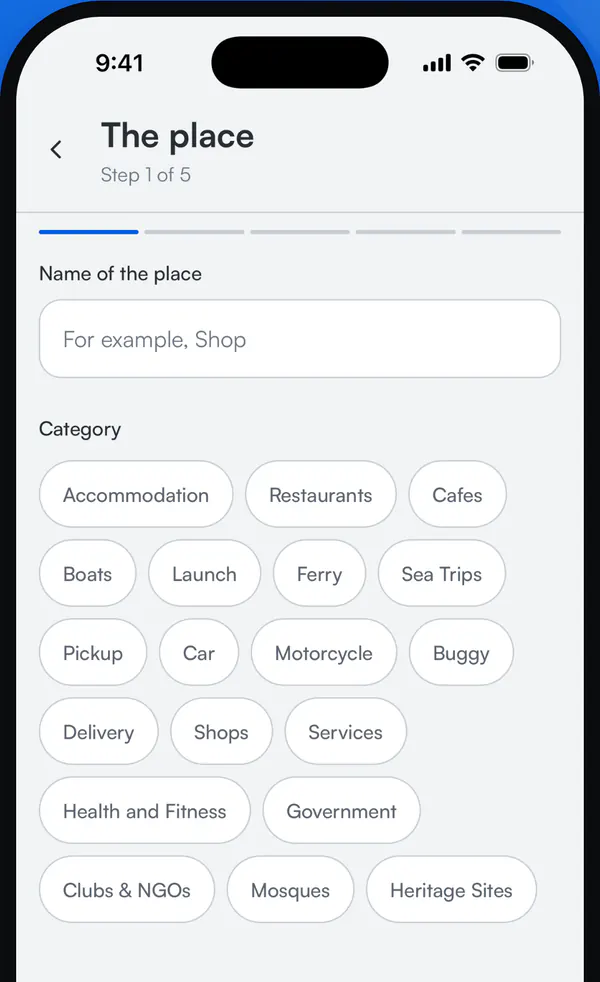
Add your place. It is free.
Anyone can add a business or service on the island. A moderator checks the details, and the listing appears once it is approved.
- Free to list
- No account needed
- Reviewed before it goes live

Get KaashiGo
Free on iPhone and Android.